Get Started with Weekly Summary Settings
Cameras can be added to or removed from your MS Teams or Slack weekly summary.
You must have a valid channel configured to use this feature. For more information, contact support@aicon.construction.
Select a Project
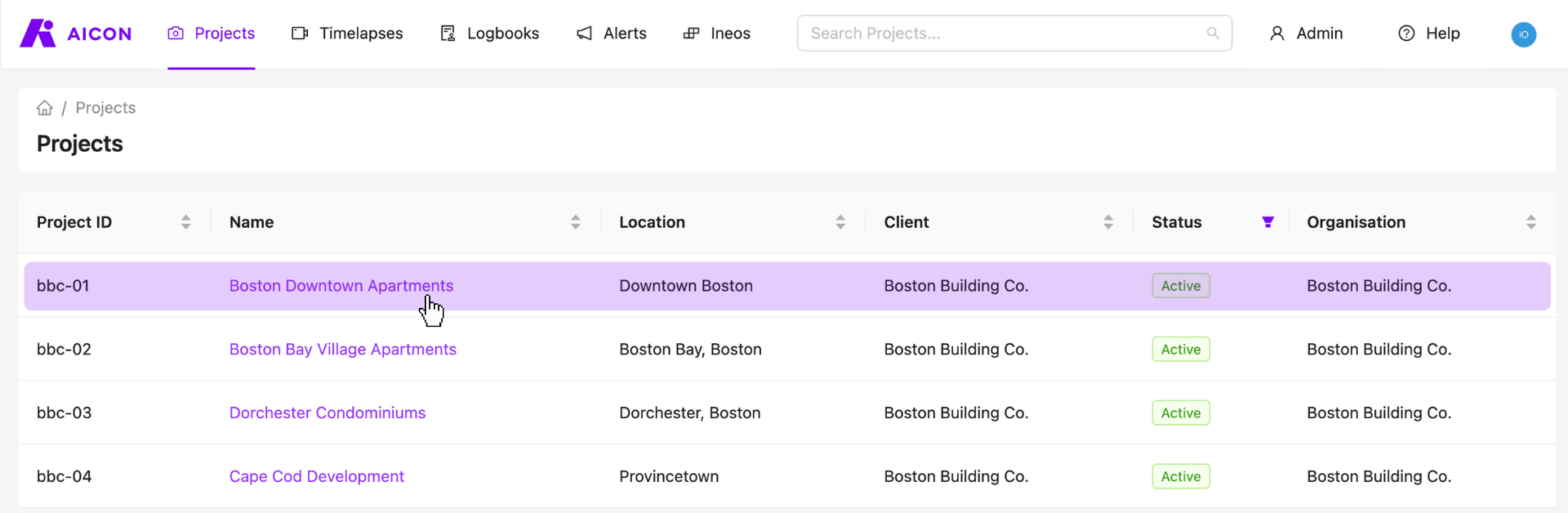
Start by visiting your projects page and selecting any one of your projects.
Add or Remove Cameras from Your Weekly Summary
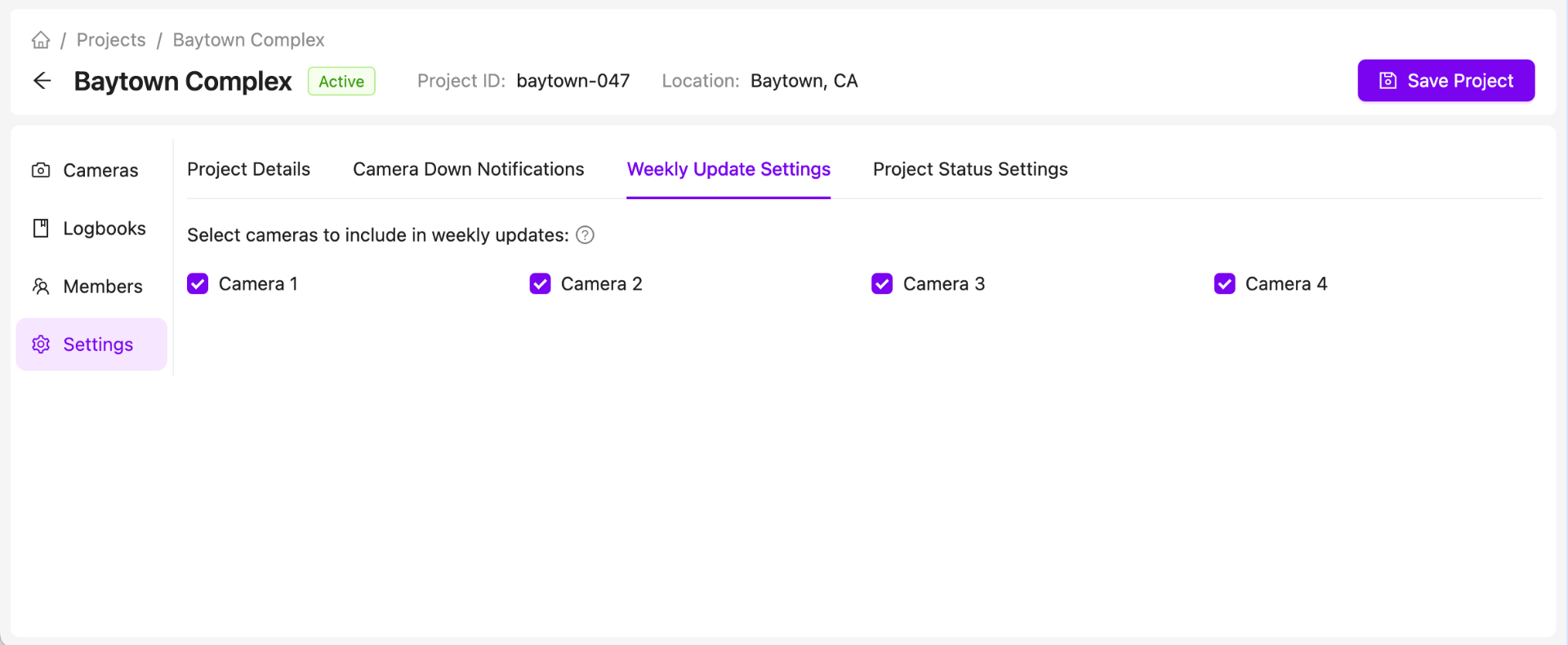
To edit weekly update settings, go to your project settings and select the weekly update section.
To include a specific camera in your weekly summary, ensure that the checkbox is checked. To remove a camera, uncheck the box.
Contact Us
We want to hear what you think about our project page as well as anything else AICON-related, so drop us a line at support@aicon.construction.