Welcome to AICON's Documentation
Find user guides, information about our latest features, and more.
Featured Content
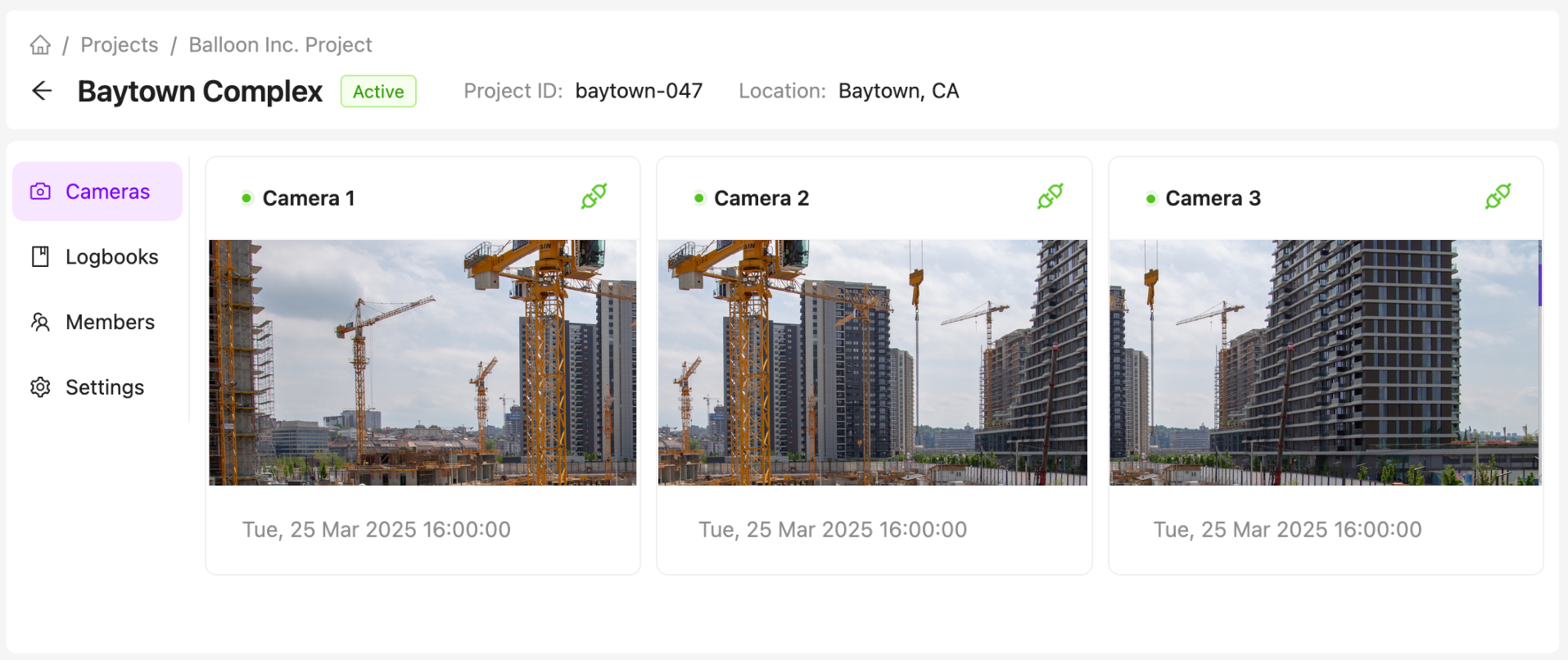
Getting Started with the Project Page
Want to find out what your team is working on or need more regular notifications? Do it all from one place with AICON's new project management page.
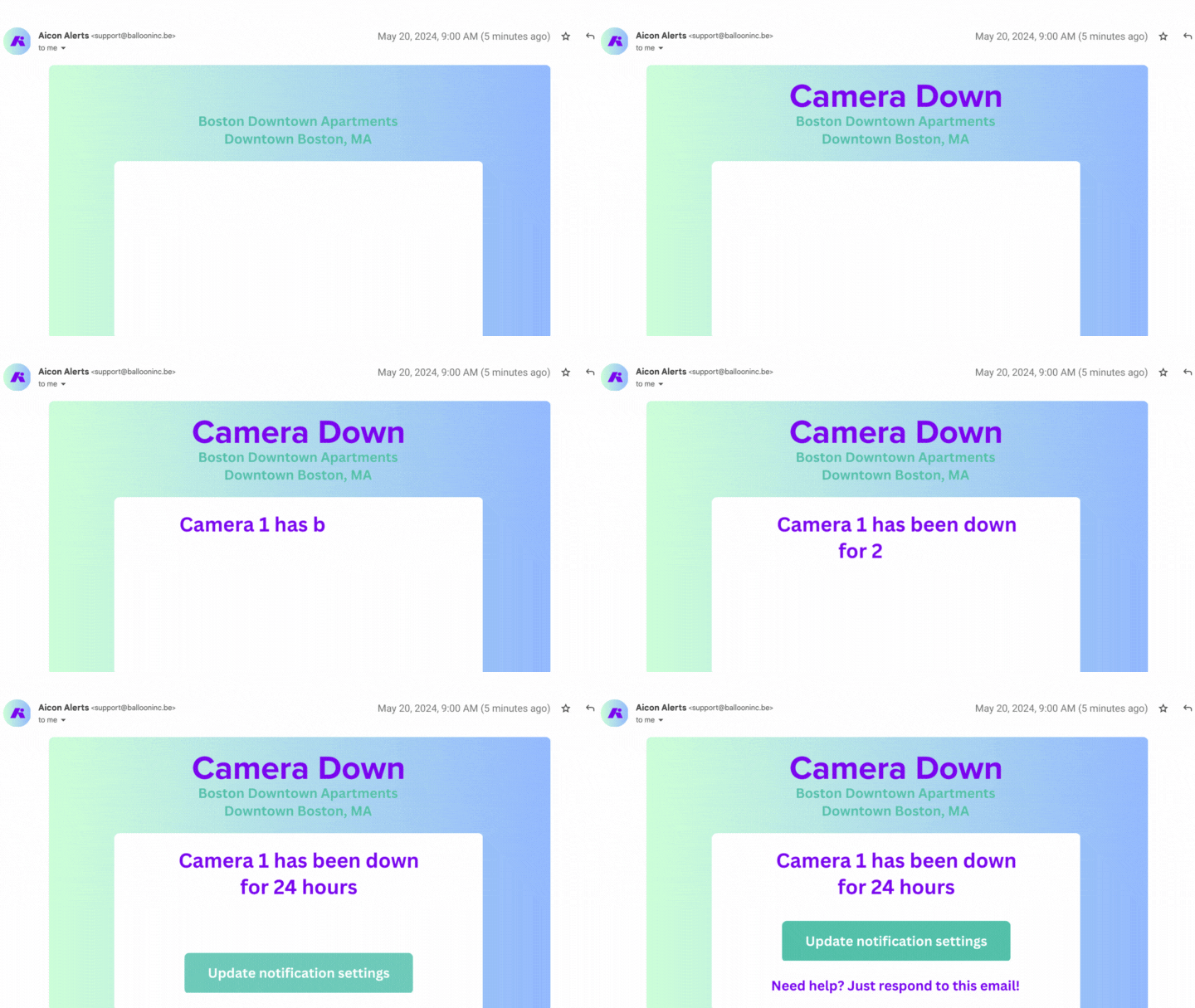
Getting Started with Camera Down Notifications
Want to know if one of you cameras is down? Enable AICON's camera down notifications feature to stay in the loop. Click here to get started.
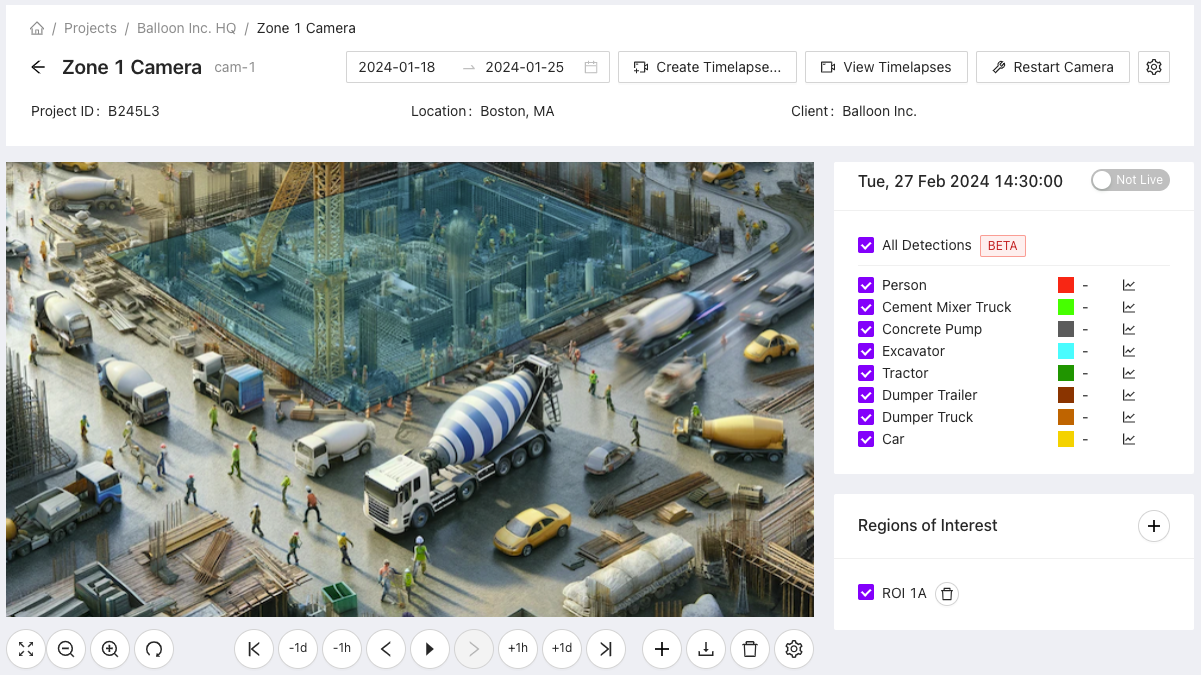
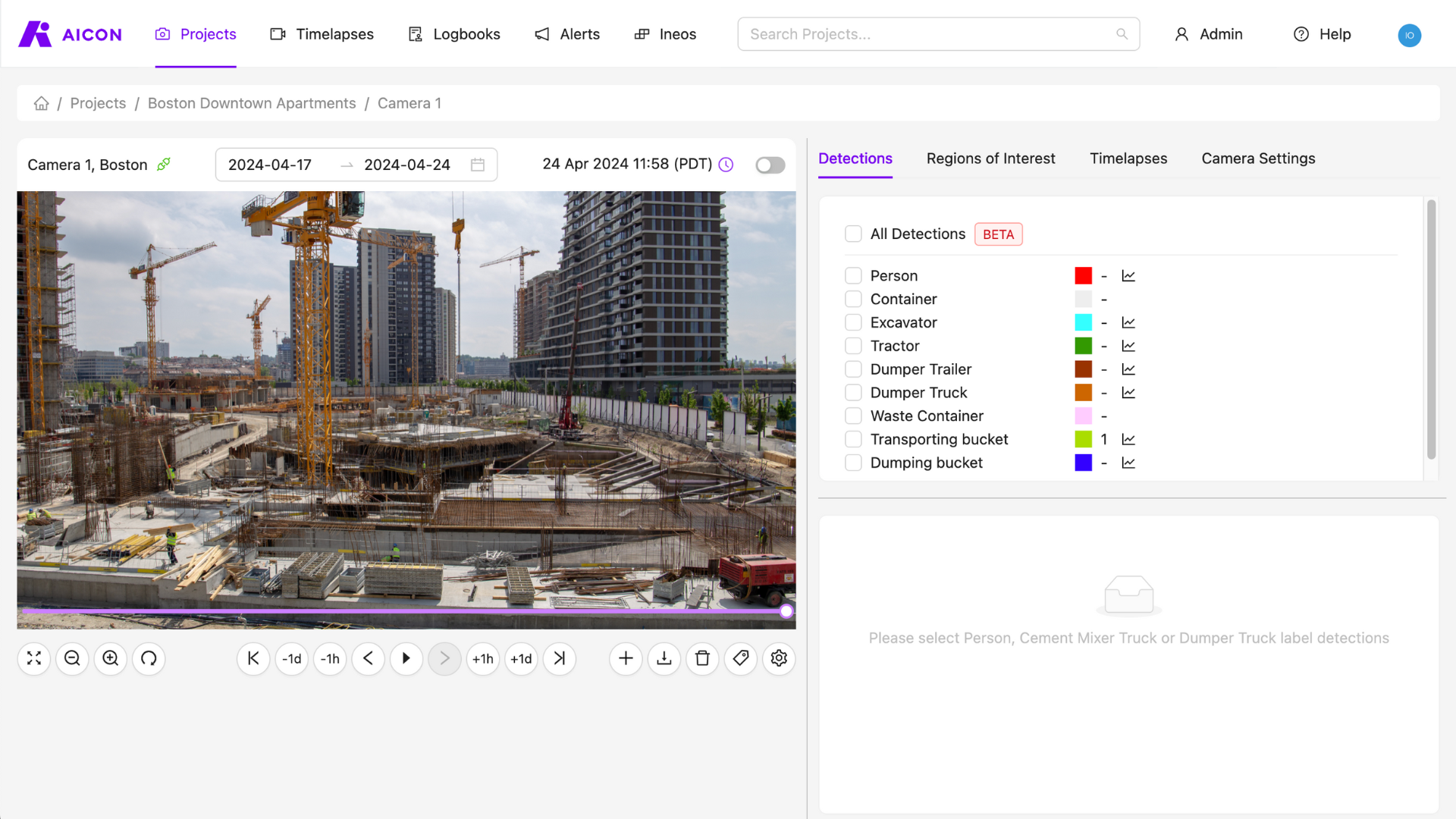
Getting Started with the Camera Viewer
Have you checked out our latest redesign? Whether you want to see your images, analyse detections and worksite activity, or create and view time-lapses, our camera viewer interface is now simpler, more flexible, and more intuitive. Click here to get started.
Getting Started with Alerts
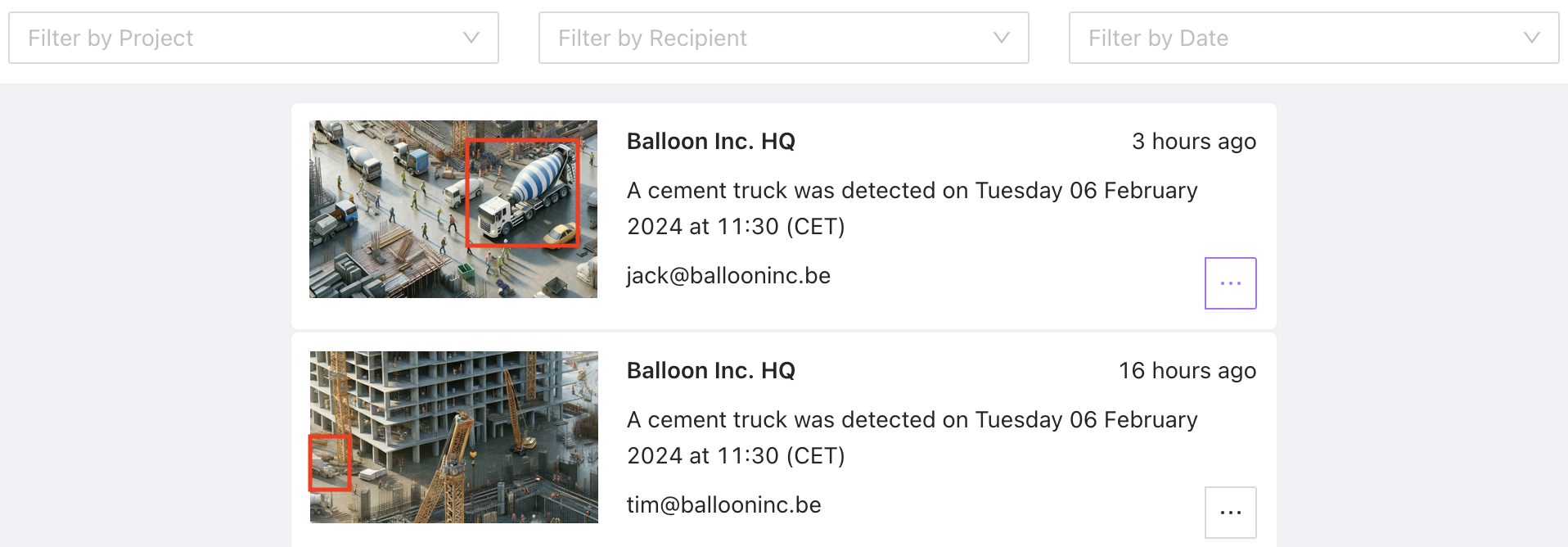
Aicon's alerts give you more control over your projects by allowing you to remotely keep track of new events on your construction site. Click here to get started.
Getting Started with ROIs (Regions of Interest)
ROIs (Regions of Interest) can be defined on any camera. They give you insight into specific areas of your site, allowing you to more easily isolate the data that you really need. Click here to get started.