Getting Started with Archiving Projects
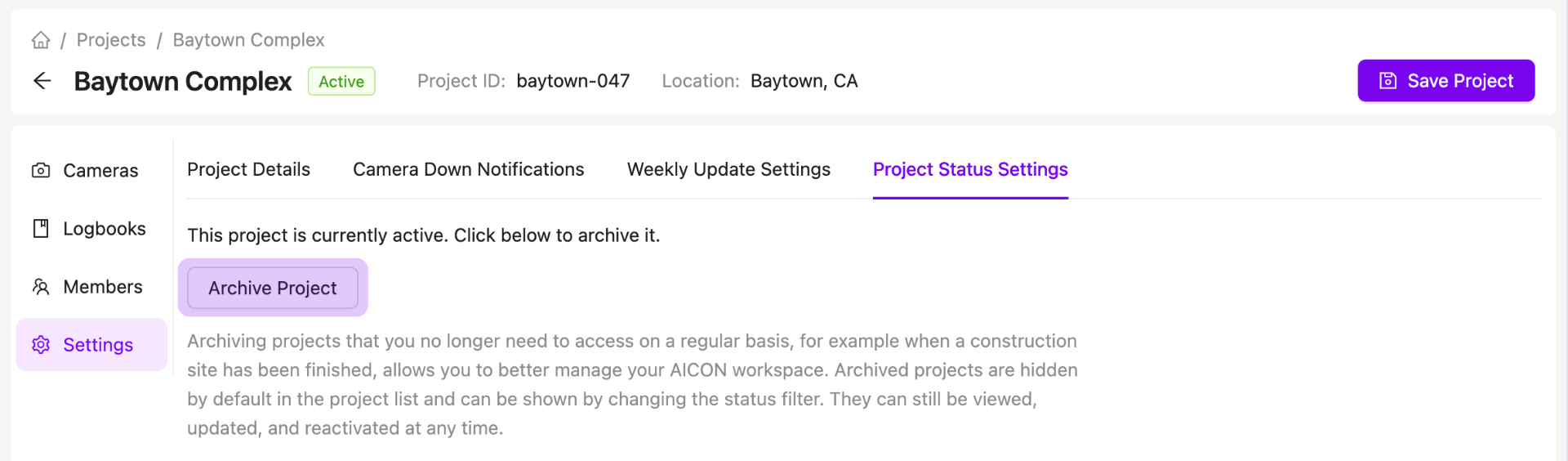
Archiving projects that you no longer need to access on a regular basis, for example when a construction site has been finished, allows you to better manage your AICON workspace. Archived projects are hidden by default in the project list and can be shown by changing the status filter. They can still be viewed, updated, and reactivated at any time.
Projects can be archived and reactivated in the project settings tab.
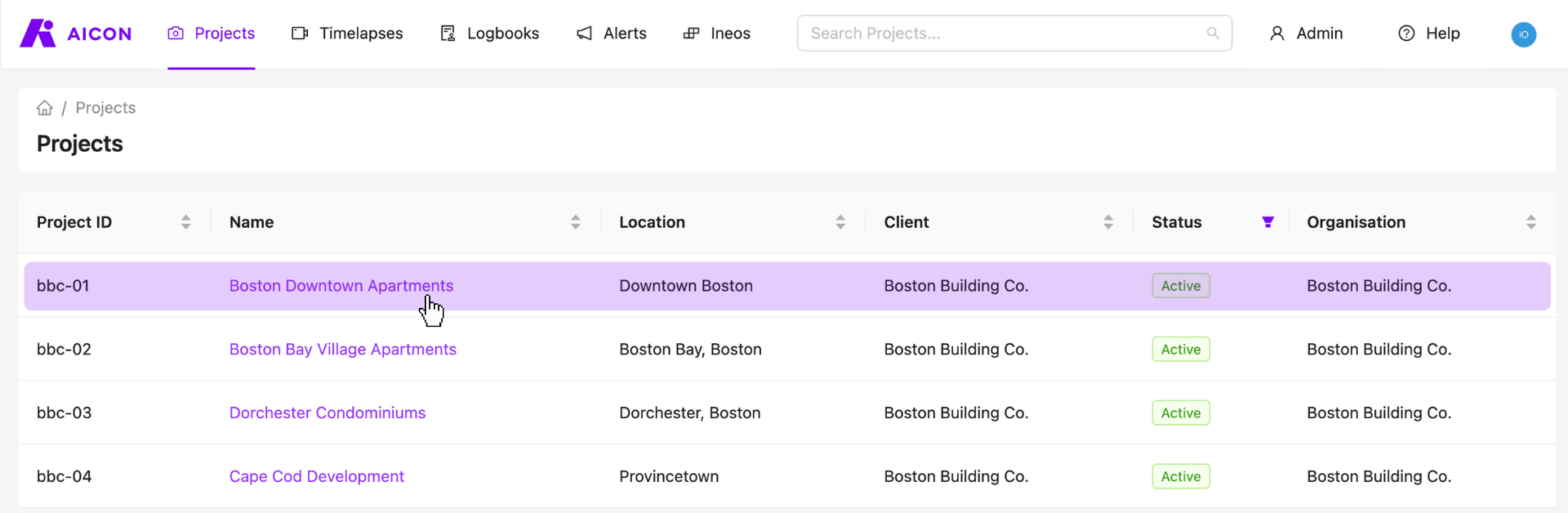
Select a Project
Start by visiting your projects page and selecting any one of your projects.
View the Project Status and Archive or Reactivate a Project
Contact Us
We want to hear what you think about our project page as well as anything else AICON-related, so drop us a line at support@aicon.construction.