Getting Started with the Project Page
Want to find out what your team is working on or need more regular notifications? Do it all from one place with AICON's project management page.
Select a Project
Start by visiting your projects page and selecting any one of your projects.
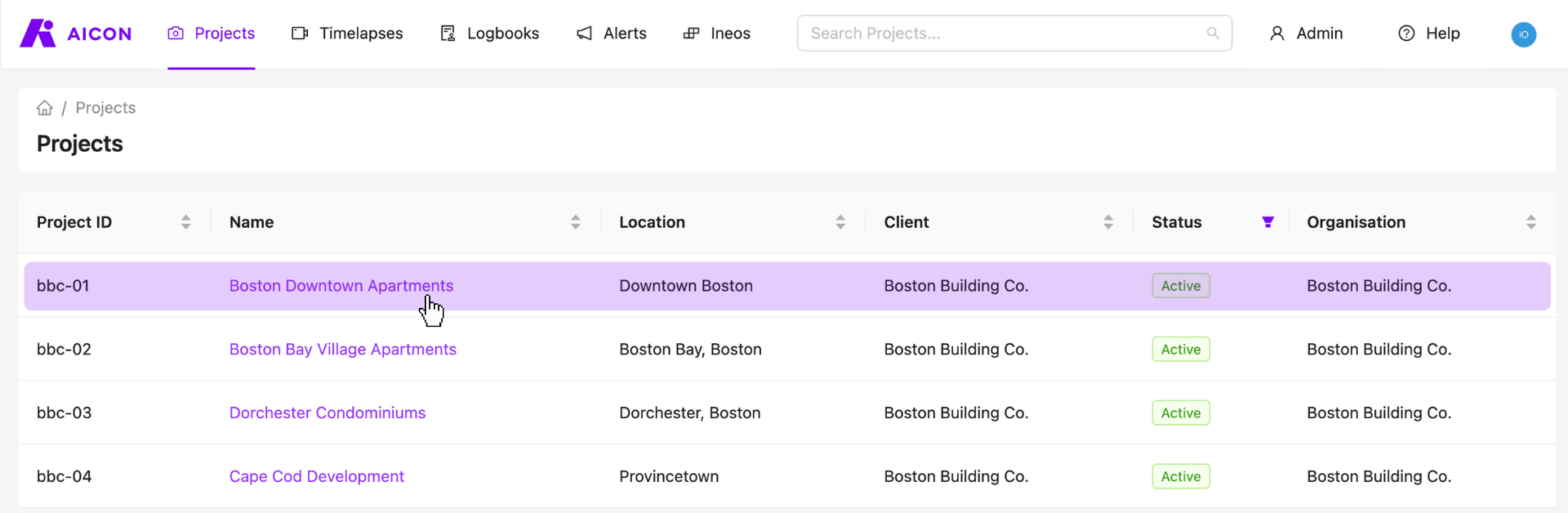
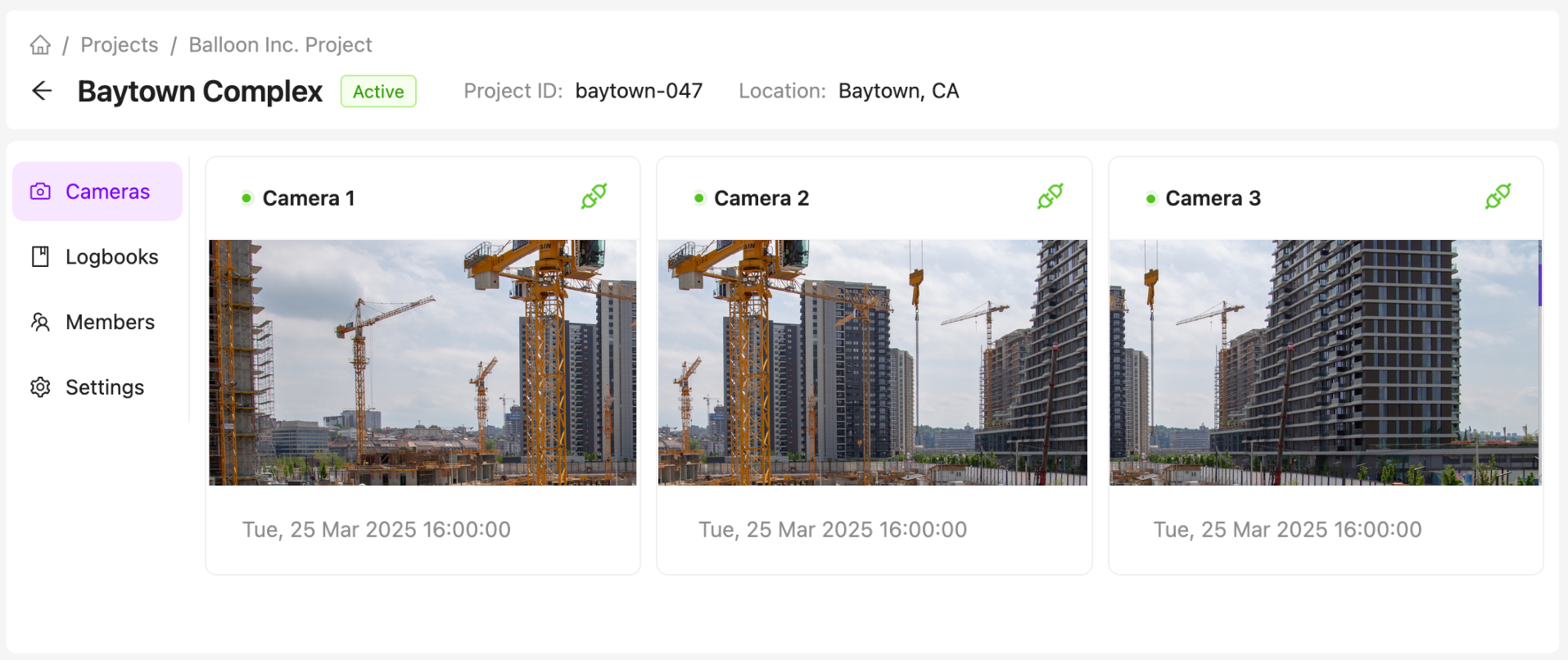
View Project Cameras
All of your project cameras can be accessed from the cameras tab on the project page. Click on a camera to see your images, analyse detections and worksite activity, create and view time-lapses, and manage your camera settings. Click here to view our comprehensive camera viewer guide.
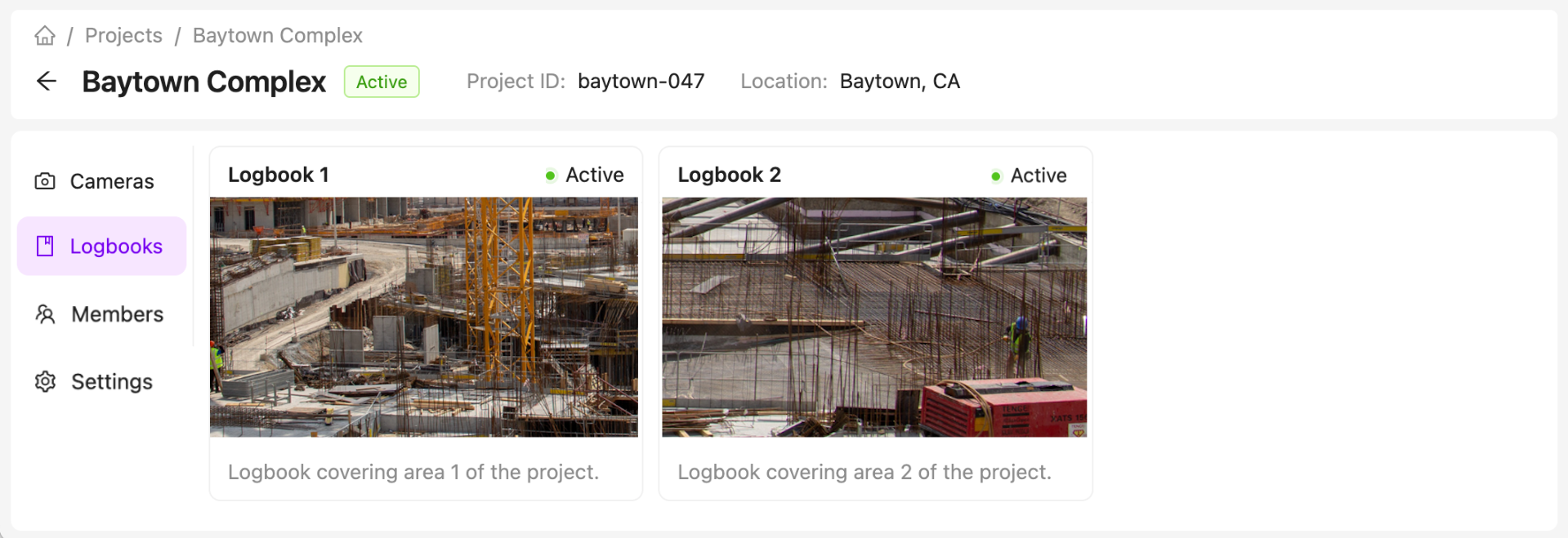
View Project Logbooks
See your project logbooks in the logbooks tab and select a logbook to view and add entries.
Logbooks are an optional feature. For more information on how to access logbooks, reach out to us at support@aicon.construction.
Manage Members
Organisation Administrators can view and manage project members directly from the project page. Click here to view our comprehensive member management guide.
Manage Project Details and Notifications
Organisation Administrators can also manage their project settings, including:
- Viewing and updating project details.
- Updating camera down notification settings.
- Managing weekly update settings.
- Setting a project's status.
Contact Us
We want to hear what you think about our project page as well as anything else AICON-related, so drop us a line at support@aicon.construction.