Getting Started with Member Management
Organisation Administrators can view and manage project members in the members tab on any project page.
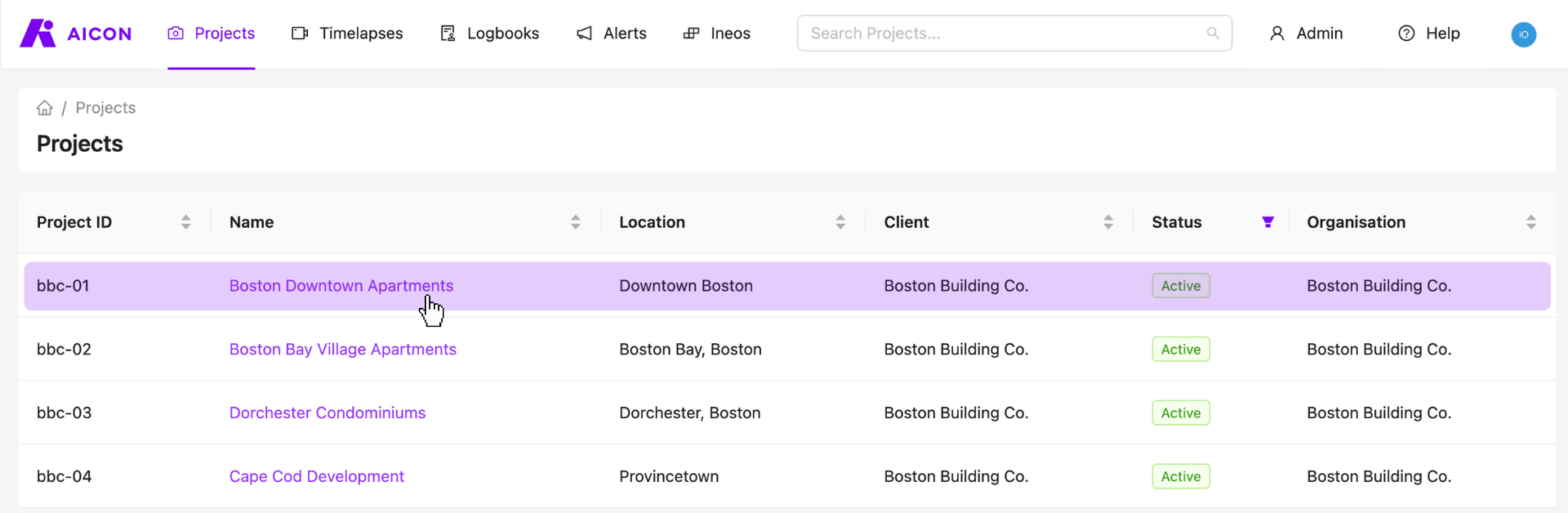
Select a Project
Start by visiting your projects page and selecting any one of your projects.
View All Users Belonging to the Project
Go to the members tab to get an overview of the members belonging to the current project.
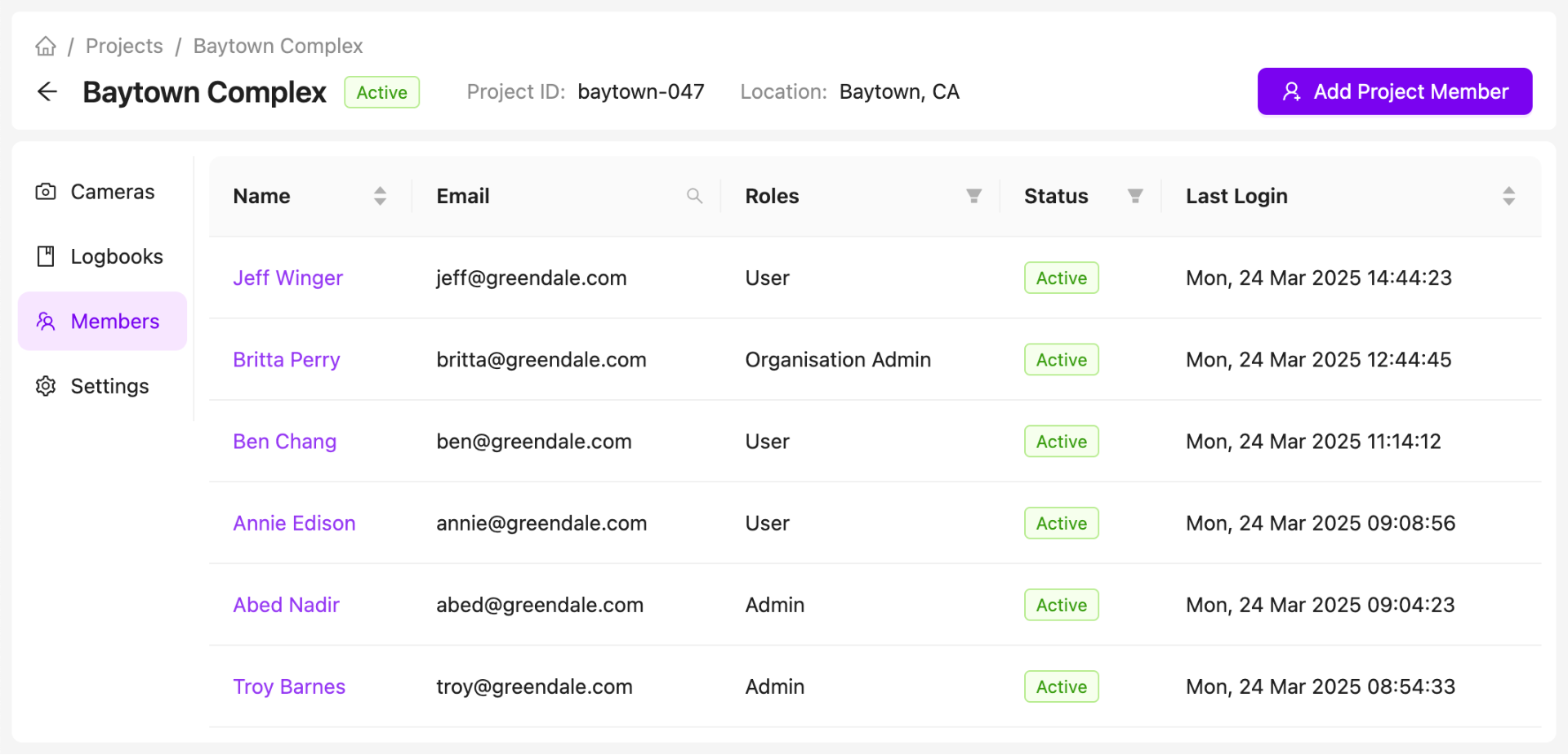
Use the filters and search functionality to more easily find specific members.

Add a Member to a Project
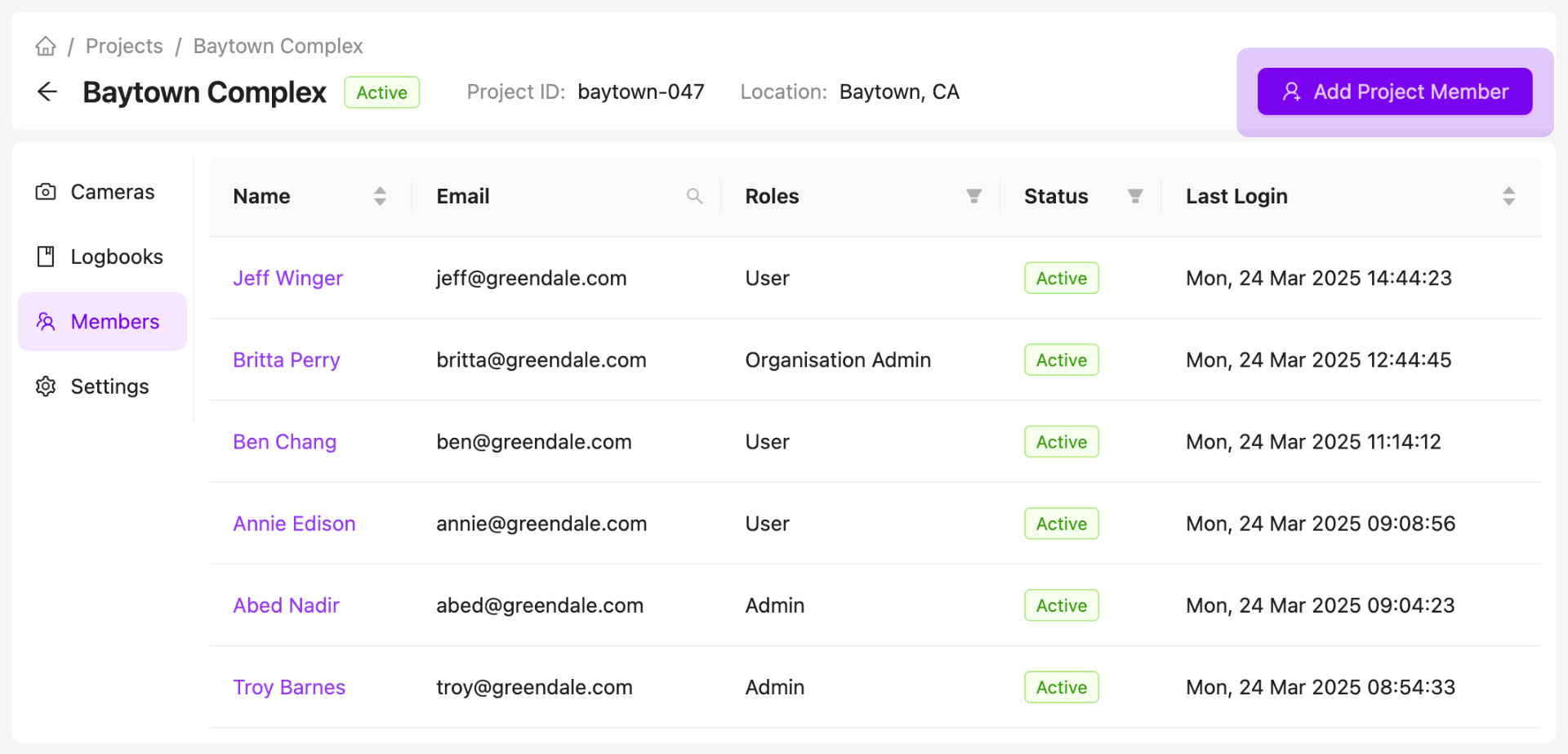
To add a member to a project, click on the Add Project Member button on the members page.
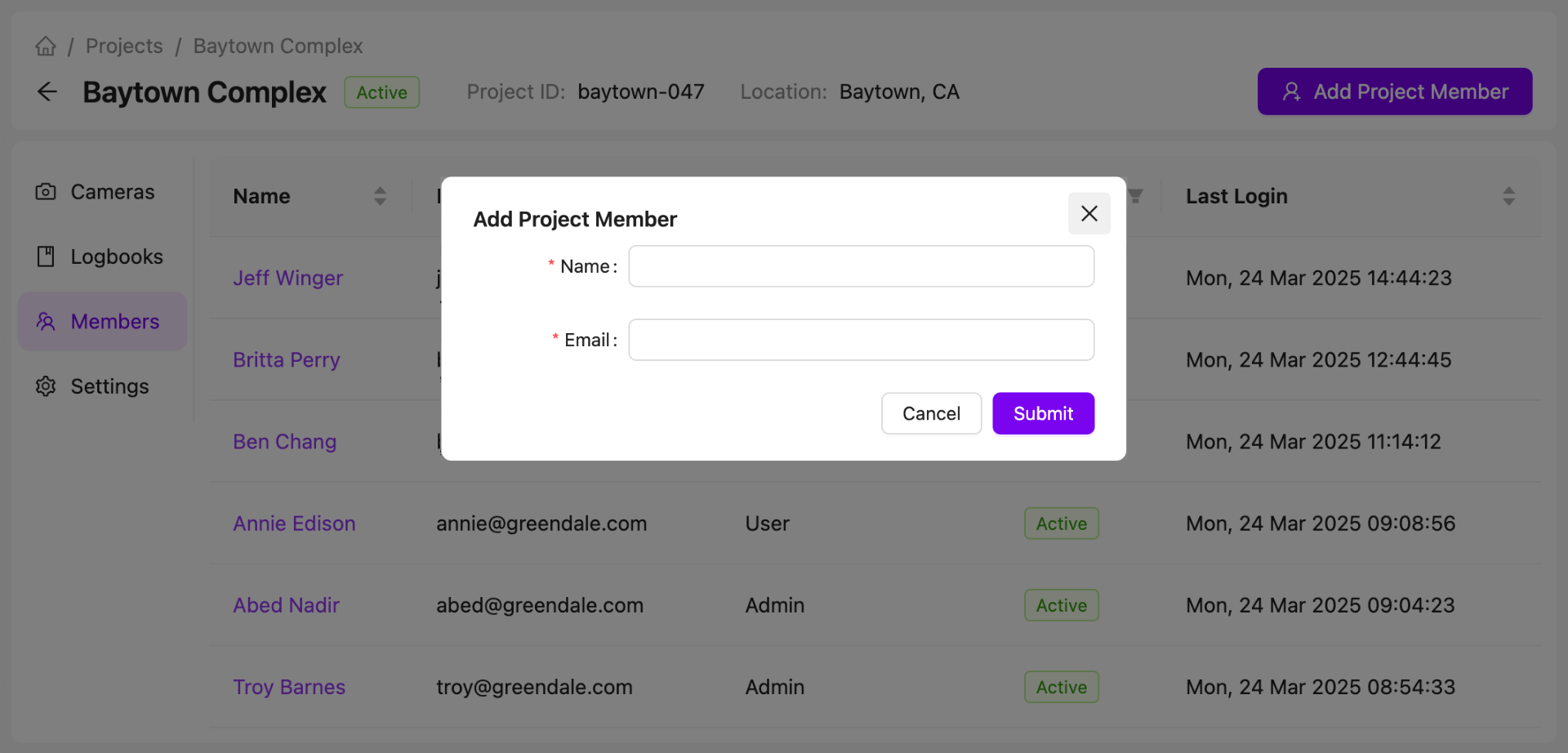
Enter the name and email address of your user.
Note that you can only add already-existing AICON users to your projects.
The new user will then appear in the project members list.
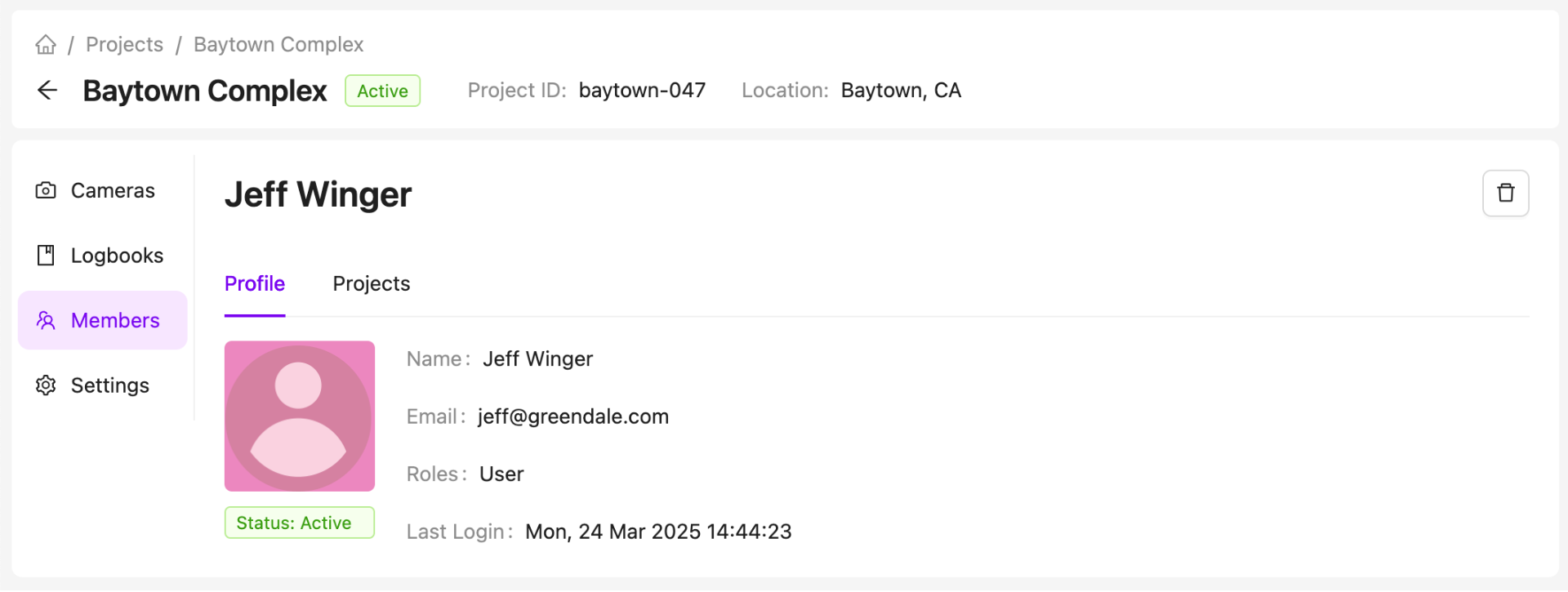
View a Project Member's Profile Page
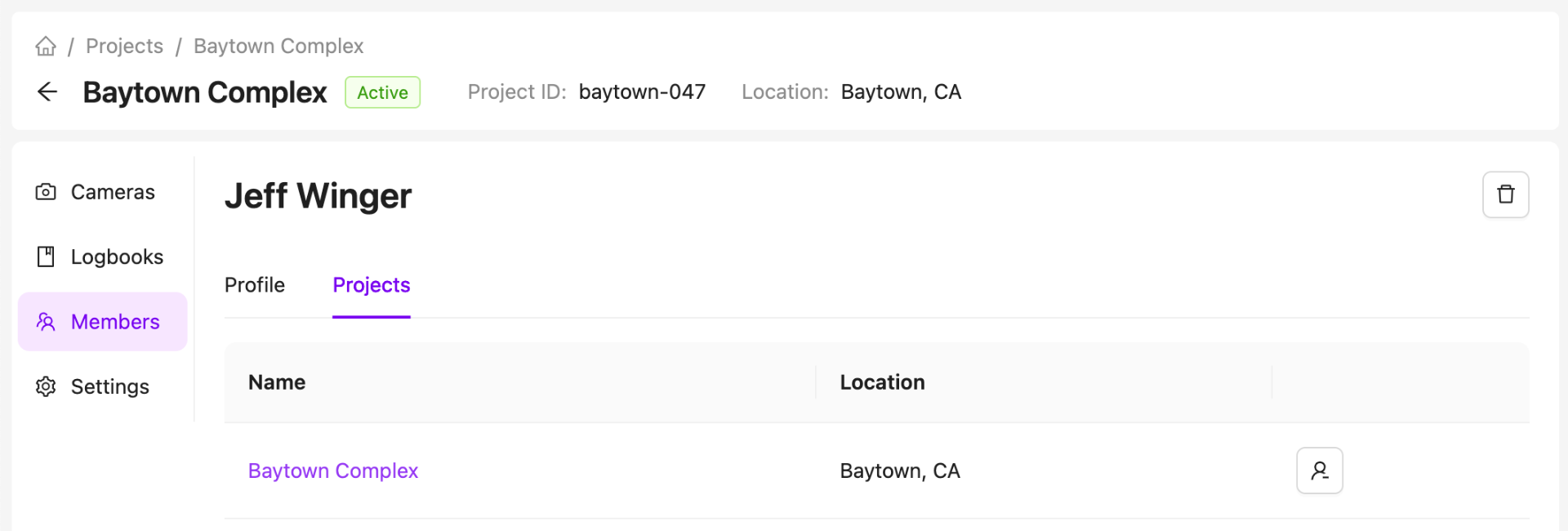
View a Project Member's List of Projects
A user's contact details, roles, and login information can be viewed on their profile page.
Remove a Member from a Project
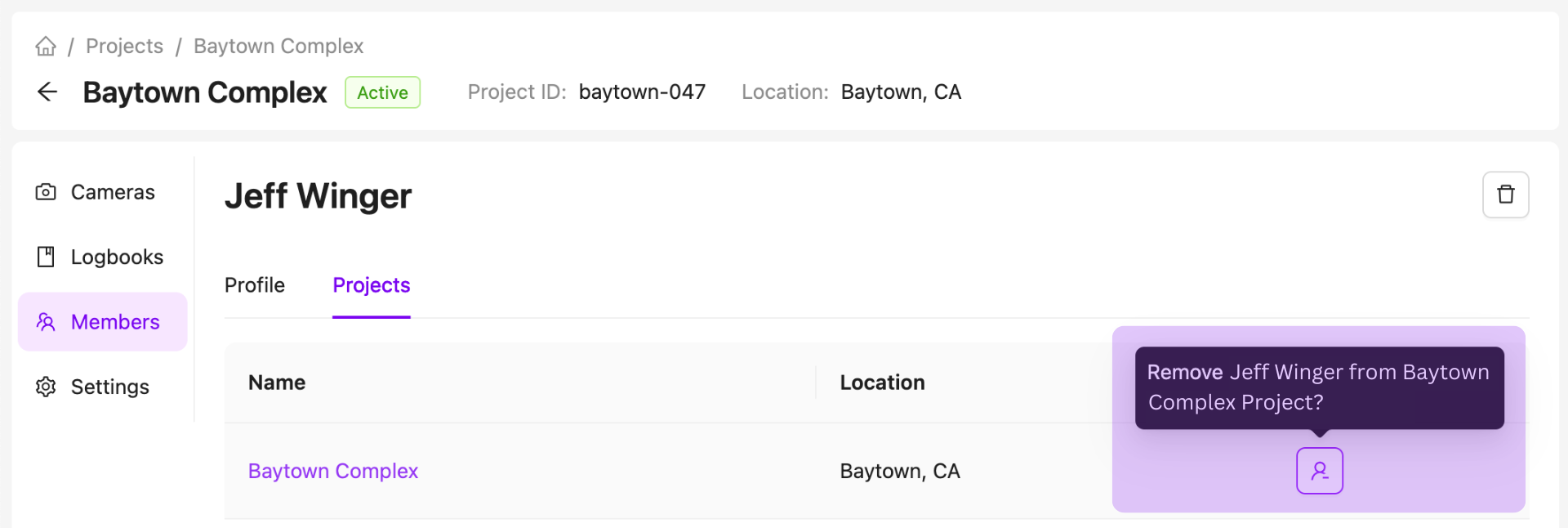
If a user no longer needs access to a project, they can be removed.
If you remove a user from all projects belonging to your organisation, you will no longer be able to access or update their profile however you can always re-add a user to a project.
Delete a User
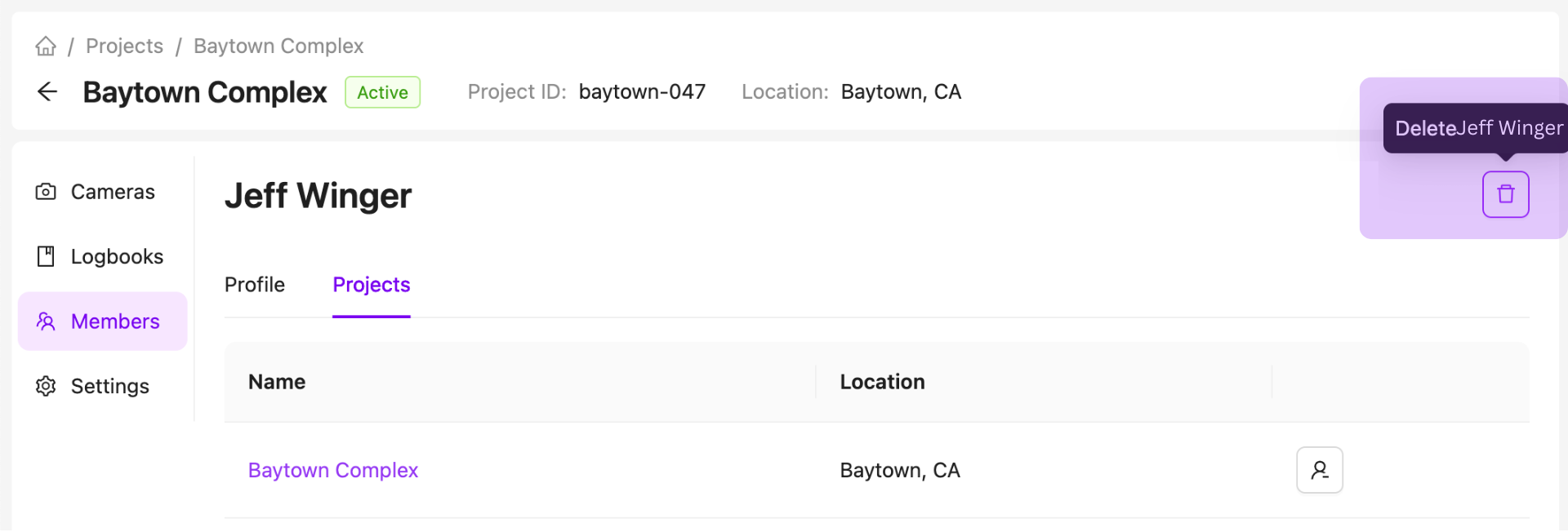
If you no longer want a user to have access to AICON, you can delete their profile.
This action cannot be undone via AICON. For support, contact us at support@aicon.construction.
Contact Us
We want to hear what you think about our member management page as well as anything else AICON-related, so drop us a line at support@aicon.construction.