Getting Started with the Camera Viewer
Whether you want to see your images, analyse detections and worksite activity, or create and view time-lapses, our camera viewer interface is now simpler, more flexible, and more intuitive.
Navigating to the Camera Viewer
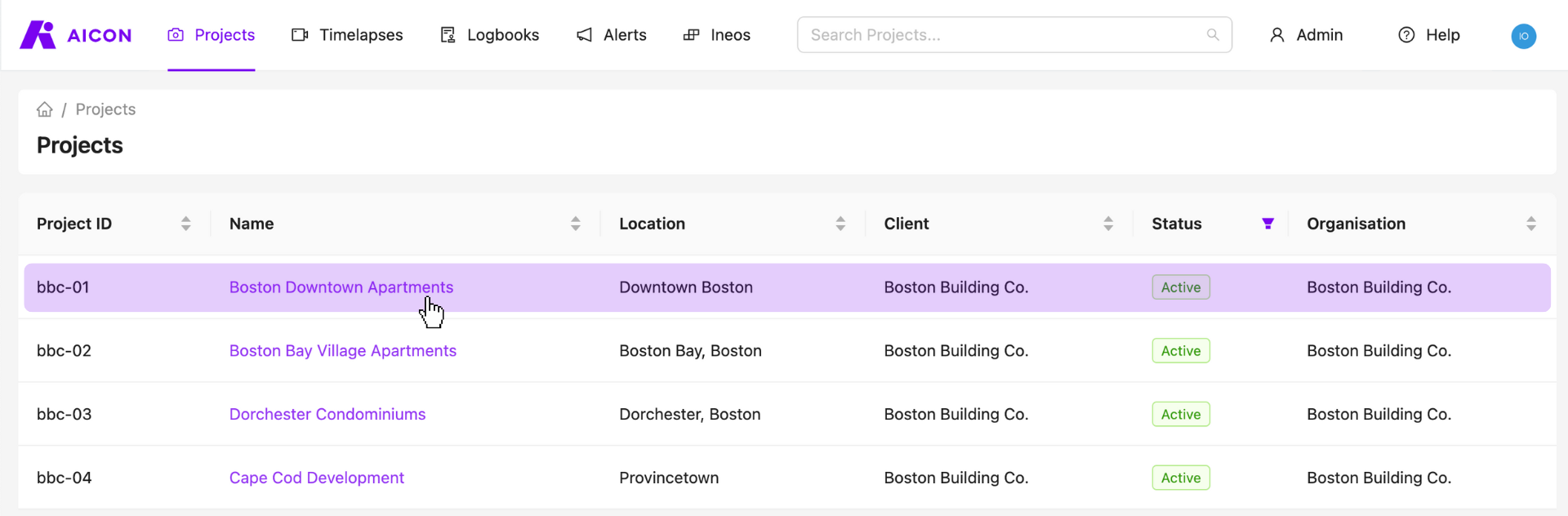
1. Visit your projects page and select any one of your projects for which you have a camera.
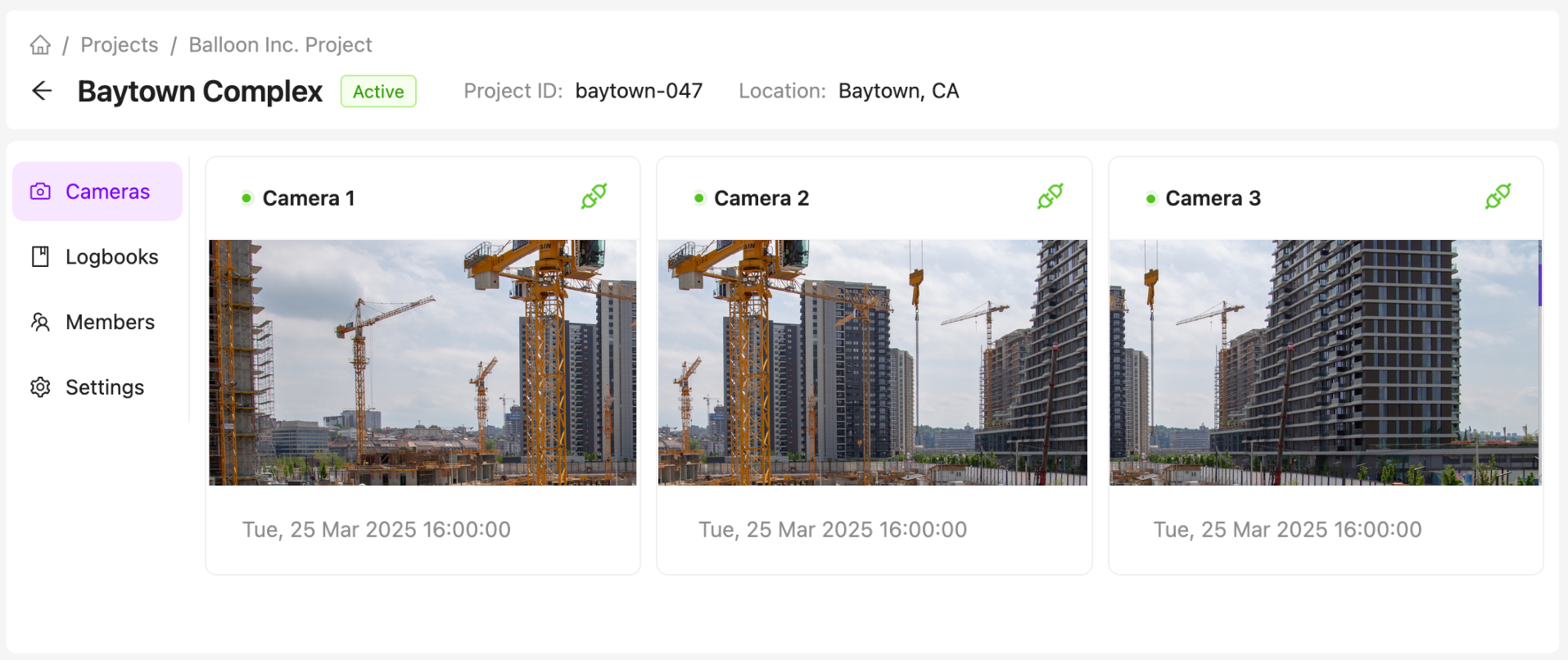
2. Select your Camera
3. Use the Camera Viewer to View your Images.
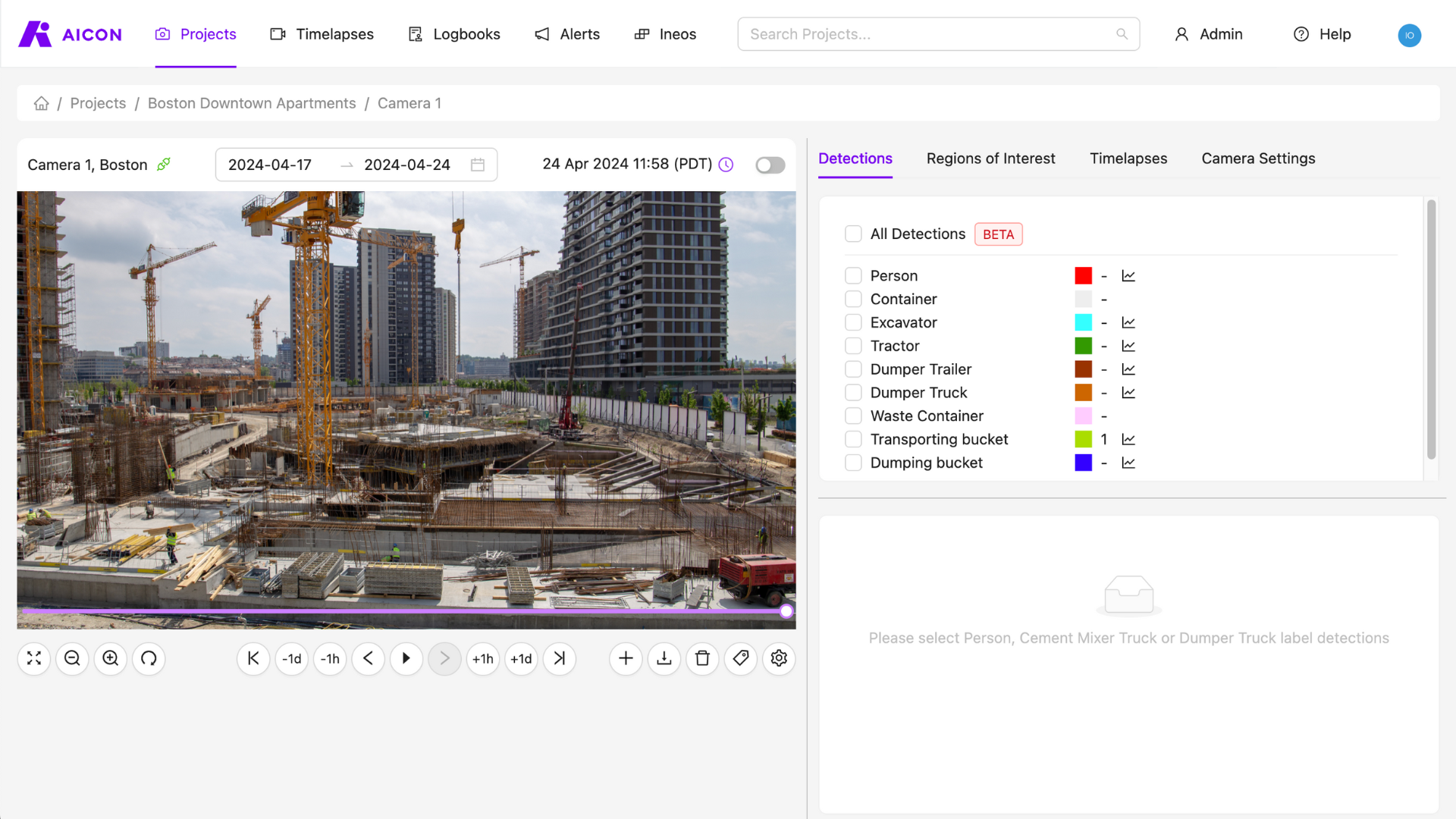
Using the Camera Viewer
Watch our demo video to learn how to get started.
Contact Us
We want to hear what you think about our camera viewer as well as anything else AICON-related, so drop us a line at support@aicon.construction.