Getting Started with Camera Down Notifications
Want to know if one of you cameras is down? Enable AICON's camera down notifications feature to stay in the loop.
How to Enable Camera Down Notifications
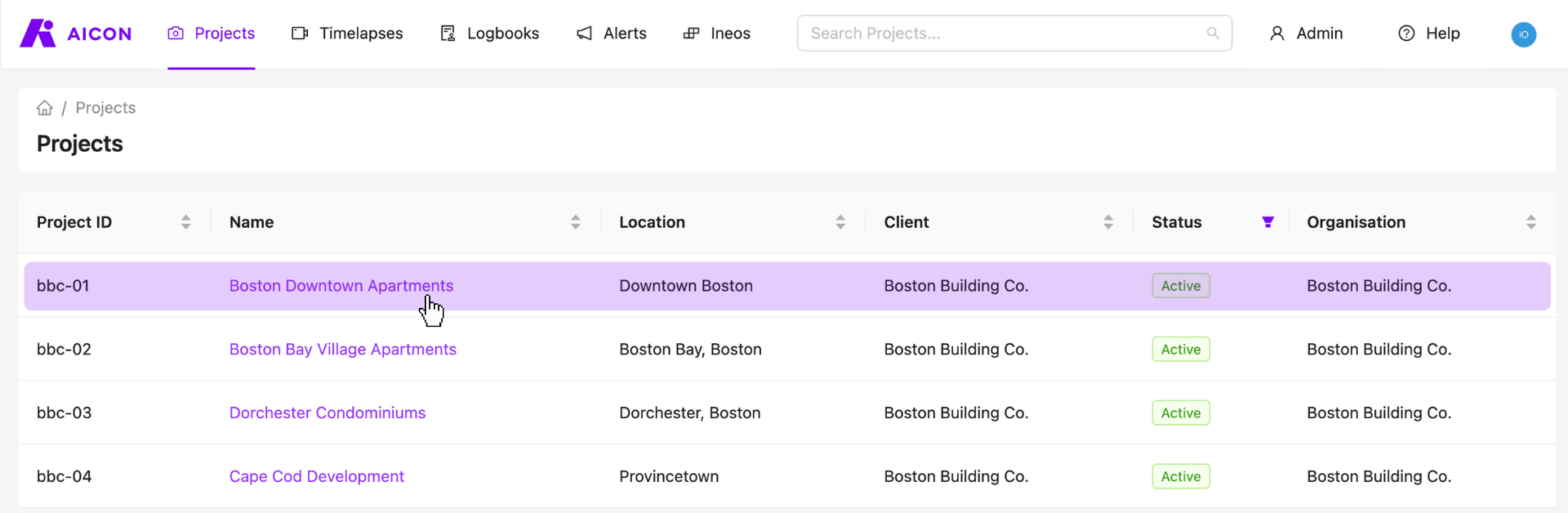
1. Visit your projects page and select any one of your projects for which you have a camera.
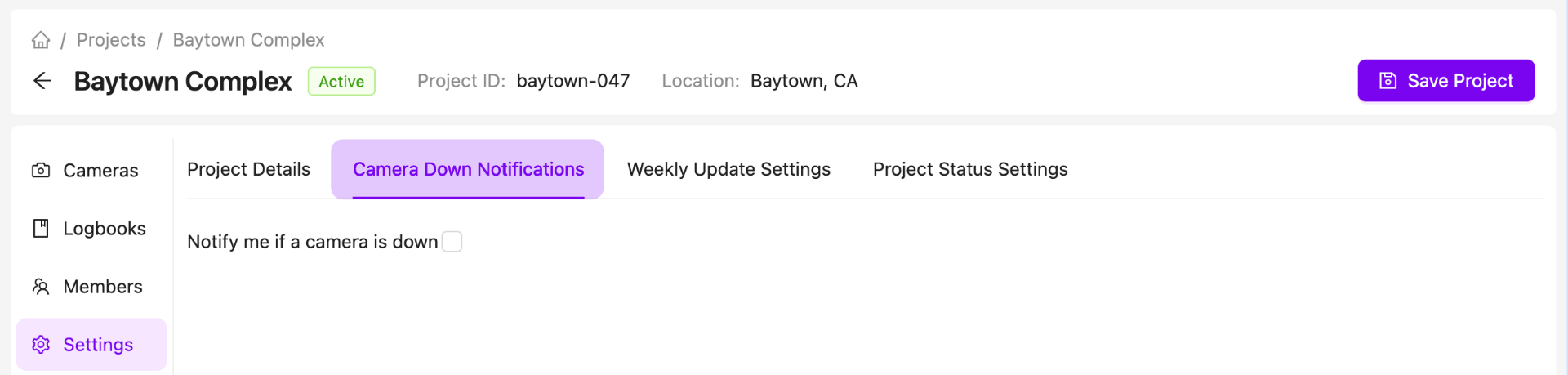
2. Go to the project settings tab and click on camera down notifications.
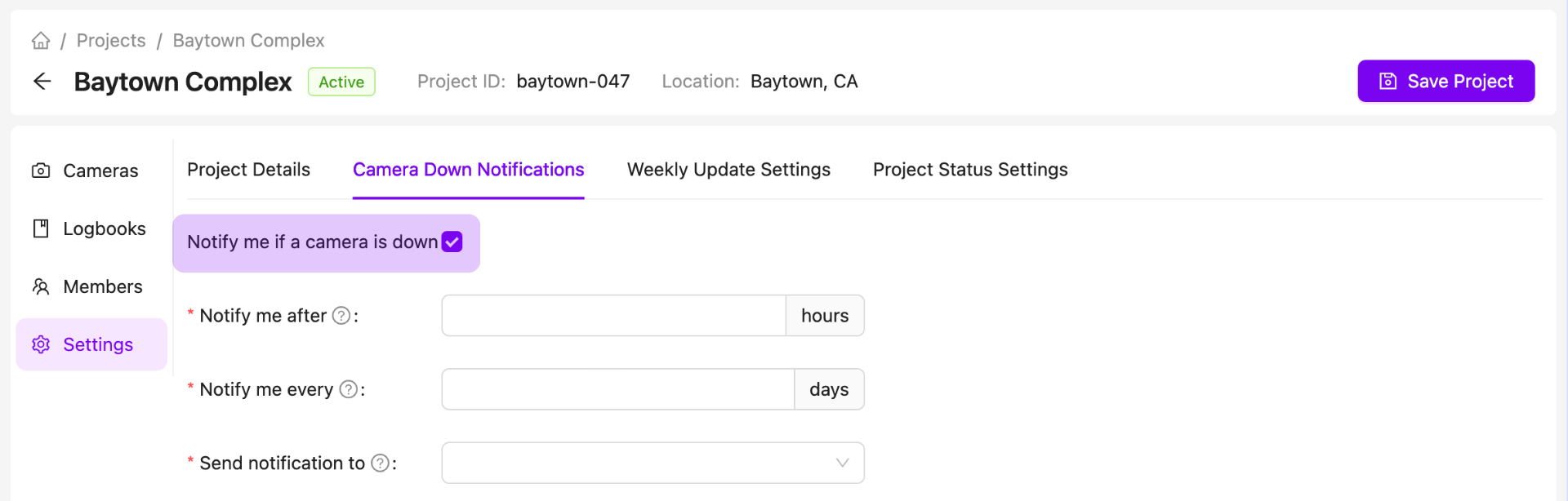
3. Check the camera down notification checkbox.
4. Choose your notification timings and recipients.
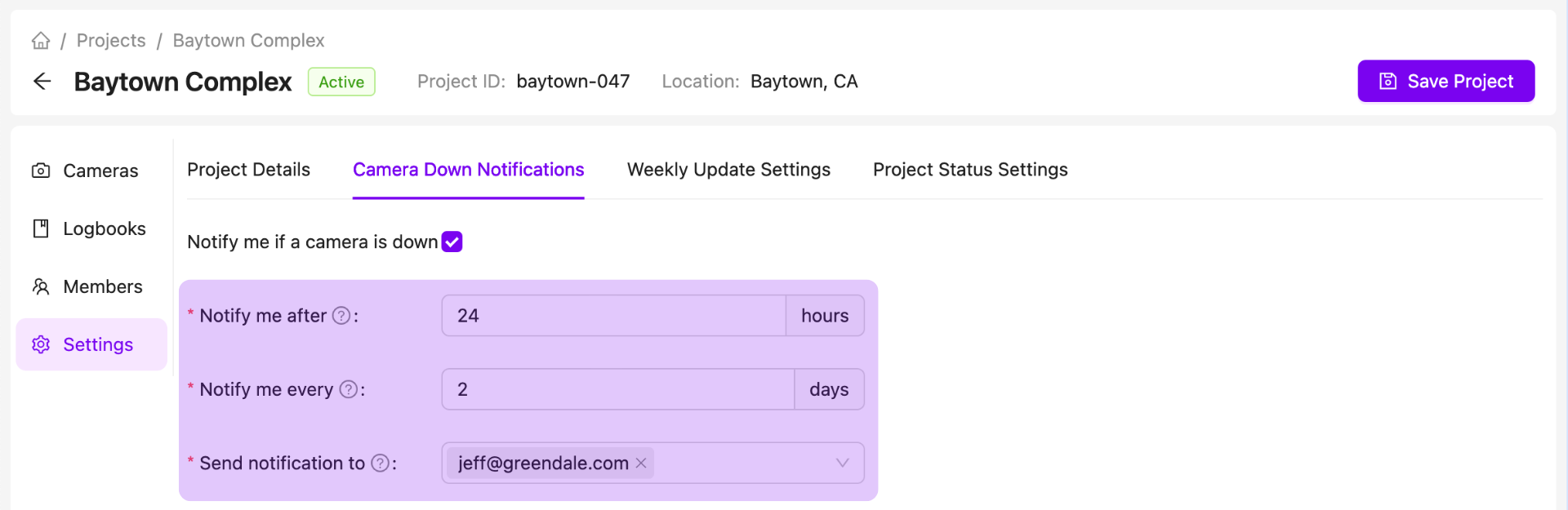
- Notify me after: Decide how quickly you want to be notified after we detect that your camera is down.
- Notify me every: Choose how often you want to be notified after receiving the initial notification.
- Send notification to: Select who you want to be notified. You can select existing project members from the dropdown menu as well as manually enter email addresses for additional recipients.
5. Save your changes
Get Notified if a Camera is Down
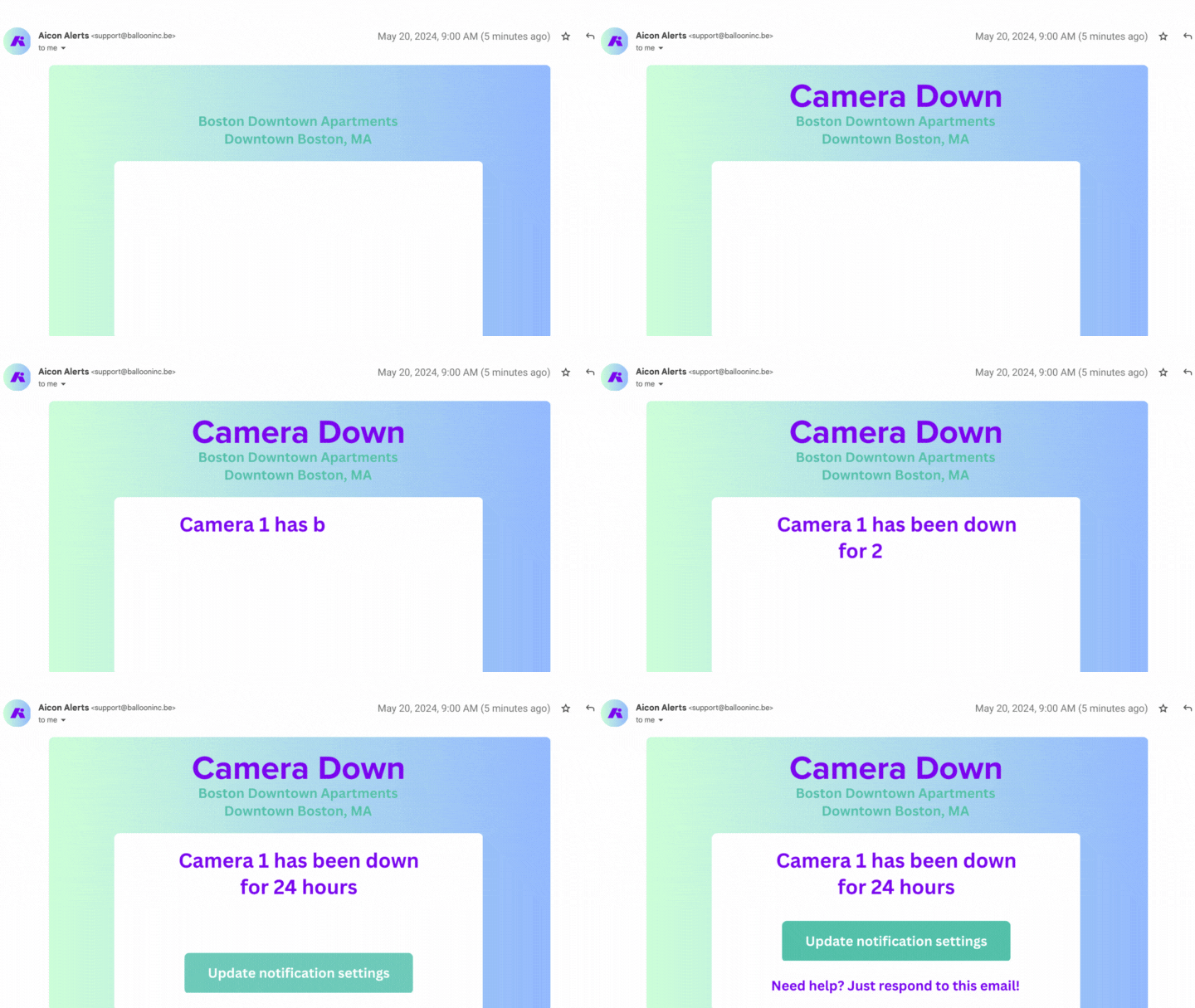
If AICON detects that we're no longer receiving images from your camera, an automatic email will be sent to your chosen list of recipients.
Contact Us
We want to hear what you think about our notifications feature as well as anything else AICON-related, so drop us a line at support@aicon.construction.